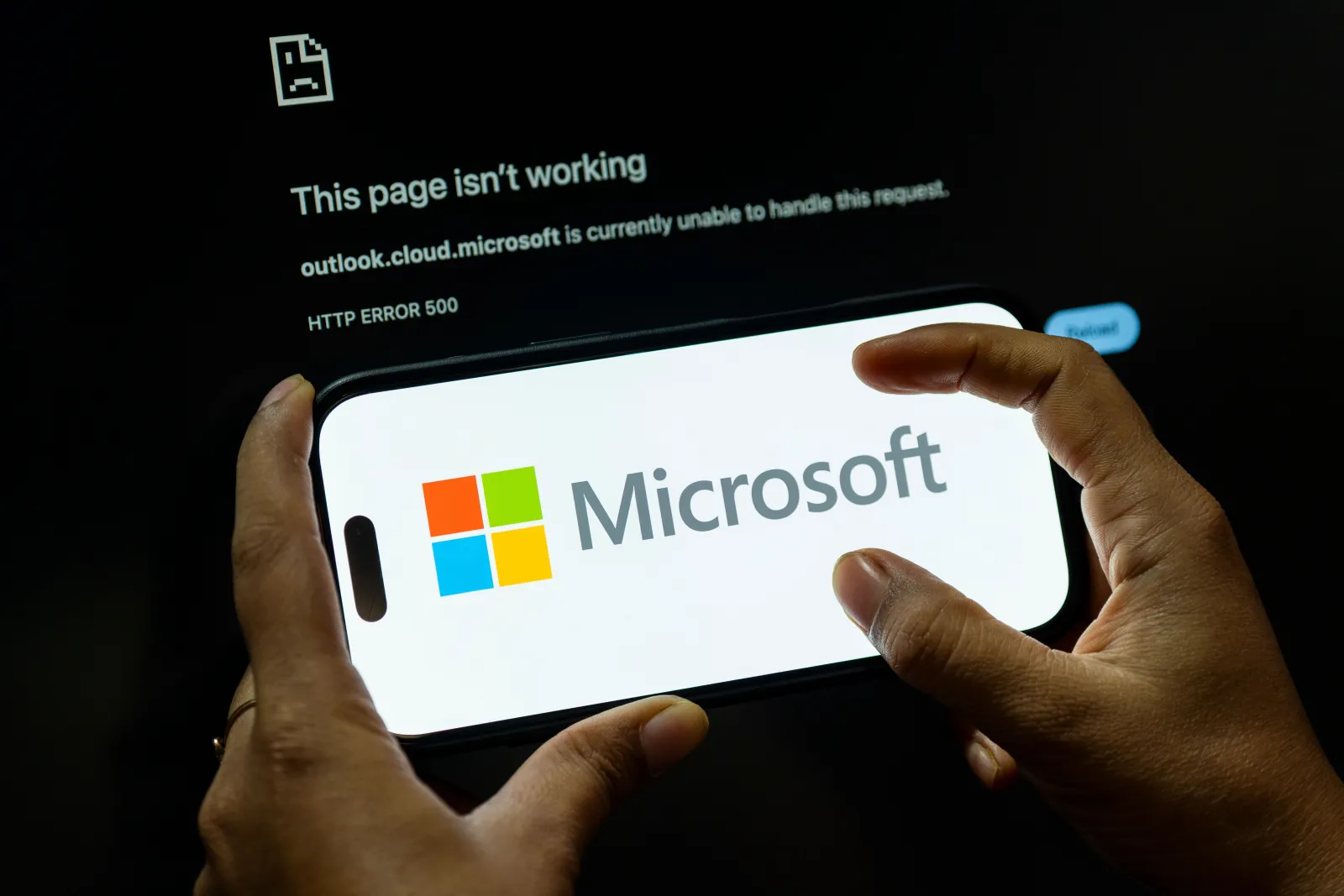
Microsoft's worldwide outage has knocked out key productivity tools for workplaces across the United Kingdom, leaving employees unable to send e-mail, join video meetings or access cloud-based documents. The interruption began in the evening of Thursday and persisted into early Friday, as reported by Downdetector and confirmed by Microsoft's own status updates.
What Services Are Affected
Outlook, Teams, Copilot and portions of Microsoft's cloud infrastructure have been reported as down. Workers are struggling to send messages, attend virtual meetings, and collaborate on shared files, which hampers daily operations for many businesses.
When Did the Problem Start?
Downdetector first logged a spike in UK complaints about Teams at approximately 6.15 pm on Thursday. Issues were still being reported at 3 am on Friday, indicating the problem had not yet been fully resolved.
Microsoft's Response
Microsoft said that servers restored overnight had crashed again. The company has tried multiple fixes, including isolating parts of its infrastructure and rerouting traffic through alternative paths, but these changes were not working as expected.
Executive Comments
Charles Lamanna, Microsoft's executive vice-president, issued an apology and clarified that there was no evidence the disruption was caused by a cyberattack.
Check if Your Workplace Is Affected
Before rebooting your laptop, confirm with your IT department whether your organization is part of the wider outage. Look for updates from your employer and follow any instructions they provide. Opening one Microsoft application does not guarantee that all services are back online, and local troubleshooting is unlikely to resolve a company-wide issue.
Notify Your Manager Promptly
If Outlook and Teams are not functioning, use an agreed alternative, such as a phone call or text, to inform your manager of the outage and the tasks that are impacted. Explain whether you cannot join a meeting, contact a client, or meet a deadline, and ask what alternative actions you should take. Clarify whether you should remain available or check back at a specific time.
Can You Work Offline?
Offline capabilities vary by application. Outlook may allow you to read previously saved e-mails, view calendar entries, or draft messages, but it cannot restore full service or guarantee access to the entire inbox. You may also work on documents stored locally, plan tasks, or complete work that does not require Teams. Always consult your manager and adhere to your company's data-security policies before sharing confidential files or using unapproved apps. If you edit a local copy of a shared document, coordinate with your team on how changes will be merged later to avoid version conflicts.
Will You Still Be Paid?
Government guidance states that employees should receive full pay during a temporary lay-off unless their contract permits unpaid or reduced-pay periods. The Advisory, Conciliation and Arbitration Service (Acas) notes that contractual provisions or agreed alternative arrangements can influence the outcome. Your employment status, contract terms, and employer instructions all play a role. If you are ready and available to work but cannot access necessary systems, inform your manager. If the employer designates the time as unpaid, request written confirmation of the contractual basis.
What Happens if You're Sent Home?
Being sent home is not the same as being sent home without pay. An employer may decide that no useful work can be done while systems are down, but this alone does not determine payment. Before leaving, ask whether you will be paid normally, whether you must remain contactable, when to check service status, and how the time will be recorded. If you are asked to agree to unpaid time off, ensure you understand the arrangement before accepting.
Can Employers Force You to Take Holiday Instead?
Employers can require employees to take annual leave on specific dates, but they normally must provide notice. GOV.UK states that notice must be at least twice the length of the leave requested, unless a contract specifies otherwise. An unexpected outage should not automatically convert to a day deducted from your holiday allowance without observing these notice rules. If your boss asks you to use leave, determine whether it is a request you can choose to accept or an instruction, and inquire about the applicable notice requirements.
What to Do While Waiting for Recovery
During the outage, keep your manager informed of any progress and document the steps you have taken to mitigate the impact. If you have access to backup systems or alternative collaboration tools, consider using them in consultation with your IT team. Stay alert for official updates from Microsoft regarding the status of Outlook, Teams, and other affected services.
How to Stay Productive
Focus on tasks that do not rely on the affected services. This may include drafting reports, updating spreadsheets, or reviewing documentation that is stored locally. Coordinate with colleagues to ensure that any changes you make will be integrated once the cloud services return.
When to Expect Resolution
Microsoft has not yet provided a definitive timeline for full restoration. The company is continuing to work on resolving the issue and will publish updates as they become available. Monitor the Microsoft 365 Service Health dashboard and your organization's communication channels for the latest information.
Key Takeaways
- Microsoft's outage has disabled Outlook, Teams, Copilot, and parts of its cloud services across the UK.
- The problem began around 6.15 pm Thursday and persisted into early Friday.
- Charles Lamanna apologized and confirmed no cyberattack was involved.
- Employees should inform managers, check with IT, and follow official guidance on pay and leave.
- Offline features may allow limited work, but data-security policies must be followed.